Employee Attendance Tracker Template
Managing employee attendance can be a tedious task, especially for growing businesses. The Employee Attendance Tracker Template offers a straightforward solution to track and manage attendance efficiently. Whether you're an HR professional, a manager, or a team lead, this tool helps streamline the process of monitoring daily presence, sick days, vacations, and remote work. With its intuitive design and customizable features, it's a valuable addition to any organization’s workflow.
What Is the Employee Attendance Tracker Template?
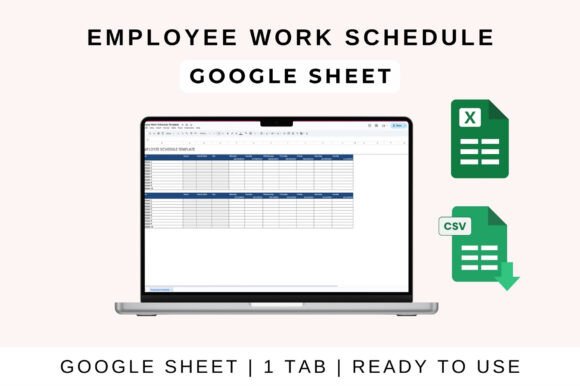
The Employee Attendance Tracker Template is a digital tool designed to simplify the tracking of employee attendance. It provides a structured format where users can log data such as dates, status (Present, Absent, Leave), and other relevant details. This template is ideal for businesses looking to maintain accurate records without the hassle of manual entry or complex software.
Its versatility makes it suitable for various industries, from small startups to large corporations. The template is compatible with Google Sheets, Excel, and Numbers, allowing users to choose their preferred platform for data management. This flexibility ensures that teams can access and update information seamlessly, regardless of their location or device.
Key Features of the Employee Attendance Tracker Template
The Employee Attendance Tracker Template comes with several features that enhance usability and efficiency. One of its standout attributes is the ability to customize columns according to specific needs. Users can add or remove fields such as employee names, department, shift times, or even notes for each entry. This level of customization allows for a more personalized approach to attendance tracking.
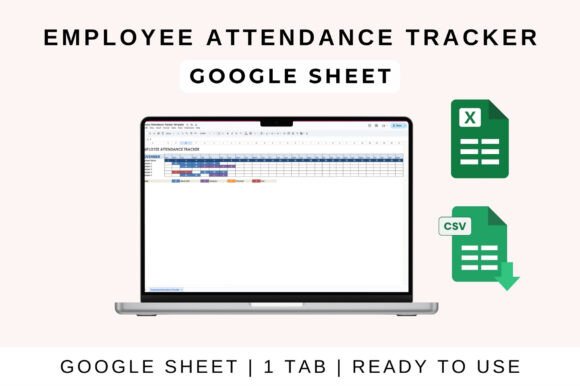
Another notable feature is the color-coded cells, which provide a quick visual overview of attendance patterns. For example, green might represent present, red for absent, and yellow for leave. This visual aid helps managers and HR professionals quickly identify trends or issues without having to sift through rows of data.
The template also includes automated totals, which save time and reduce the risk of human error. Instead of manually calculating attendance metrics, the system automatically updates totals for present, absent, and leave days. This feature is particularly useful for generating reports or analyzing long-term attendance trends.
Practical Applications Across Different Environments
The Employee Attendance Tracker Template is not limited to corporate settings. It can be used in a variety of environments, including educational institutions, creative studios, and freelance projects. For instance, a school administrator can use the template to track student attendance, while a project manager can monitor team members’ availability for specific tasks.
In a creative environment, such as a graphic design studio, the template can help track when designers are available for client meetings or project deadlines. Similarly, freelancers who work remotely can use the template to log their working hours and ensure they meet client expectations.
For small business owners, the template can serve as a simple yet effective way to manage part-time staff or seasonal workers. By maintaining accurate records, business owners can ensure compliance with labor laws and avoid potential disputes over hours worked or unpaid leave.
Benefits of Using the Employee Attendance Tracker Template
One of the main benefits of the Employee Attendance Tracker Template is its ease of use. Unlike complicated HR software, this tool requires minimal training to operate. Its user-friendly interface allows even those with limited technical skills to navigate and input data efficiently.
Another advantage is the improved communication it fosters within teams. By sharing the template with colleagues, managers can keep everyone informed about attendance changes in real time. This transparency promotes accountability and helps prevent misunderstandings about work schedules or absences.
The template also enhances productivity by reducing administrative tasks. Instead of spending hours on manual record-keeping, HR professionals and managers can focus on more strategic responsibilities. Additionally, the visual representation of data makes it easier to spot patterns, such as frequent absences or high attendance rates, which can inform future decisions.
How to Use the Employee Attendance Tracker Template
Using the Employee Attendance Tracker Template is straightforward. To start, upload the file to Google Drive and open it in Google Sheets. Once the template is ready, enter employee names, dates, and attendance statuses. The sheet will automatically calculate totals, making it easy to track overall attendance at a glance.
If you prefer using Microsoft Excel, download the file and open it on your desktop. Enable editing if prompted, then begin entering data. The template is fully functional in Excel, allowing you to customize formulas, adjust layouts, and generate reports as needed.
For users of Apple’s Numbers, the template works seamlessly as well. Simply import the file and follow the same steps to input and manage attendance data. Regardless of the platform, the template ensures consistency and accuracy across all entries.
Considerations When Choosing an Attendance Tracker
When selecting an attendance tracker, it’s important to consider factors such as ease of use, compatibility, and scalability. The Employee Attendance Tracker Template excels in these areas, offering a balance between simplicity and functionality. However, businesses with more complex needs may require additional features, such as integration with payroll systems or mobile access.
It’s also essential to evaluate how well the template fits into existing workflows. For example, if your team already uses a particular spreadsheet application, choosing a template that supports that platform will minimize disruption. Additionally, consider the level of support available, as some templates may offer tutorials or customer assistance for troubleshooting.
Ultimately, the right attendance tracker depends on the specific requirements of your organization. The Employee Attendance Tracker Template is an excellent choice for businesses seeking a reliable, cost-effective solution that delivers clear results without unnecessary complexity.